
|
|
Step 6
My next choice was to add a slight shine to the image. To do this I used the airbrush tool on 10% pressure with white. I created a new layer and painted on that so if I didn't like the effect of the shine I could just discard it. To create this look all I did was take a small brush with soft edges (I used the second to smallest) and I painted over the snowflakes and added a bit of white to the edges of her hair and the flowers. This is the result (before image on top, after image on the bottom):
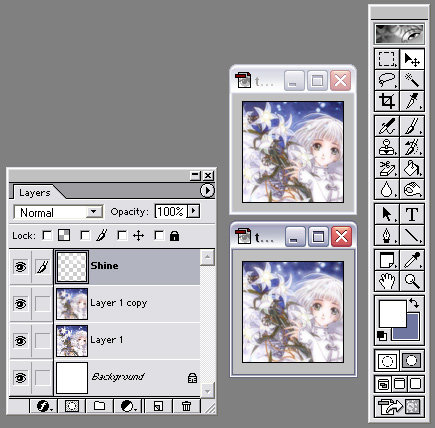
The effect is quite subtle, but I do like it so I keep it. Now, you could stop there, flatten (layer -> flatten image) your image, and be done with it. However, I choose to try and improve it some more.